Datasets
Overview
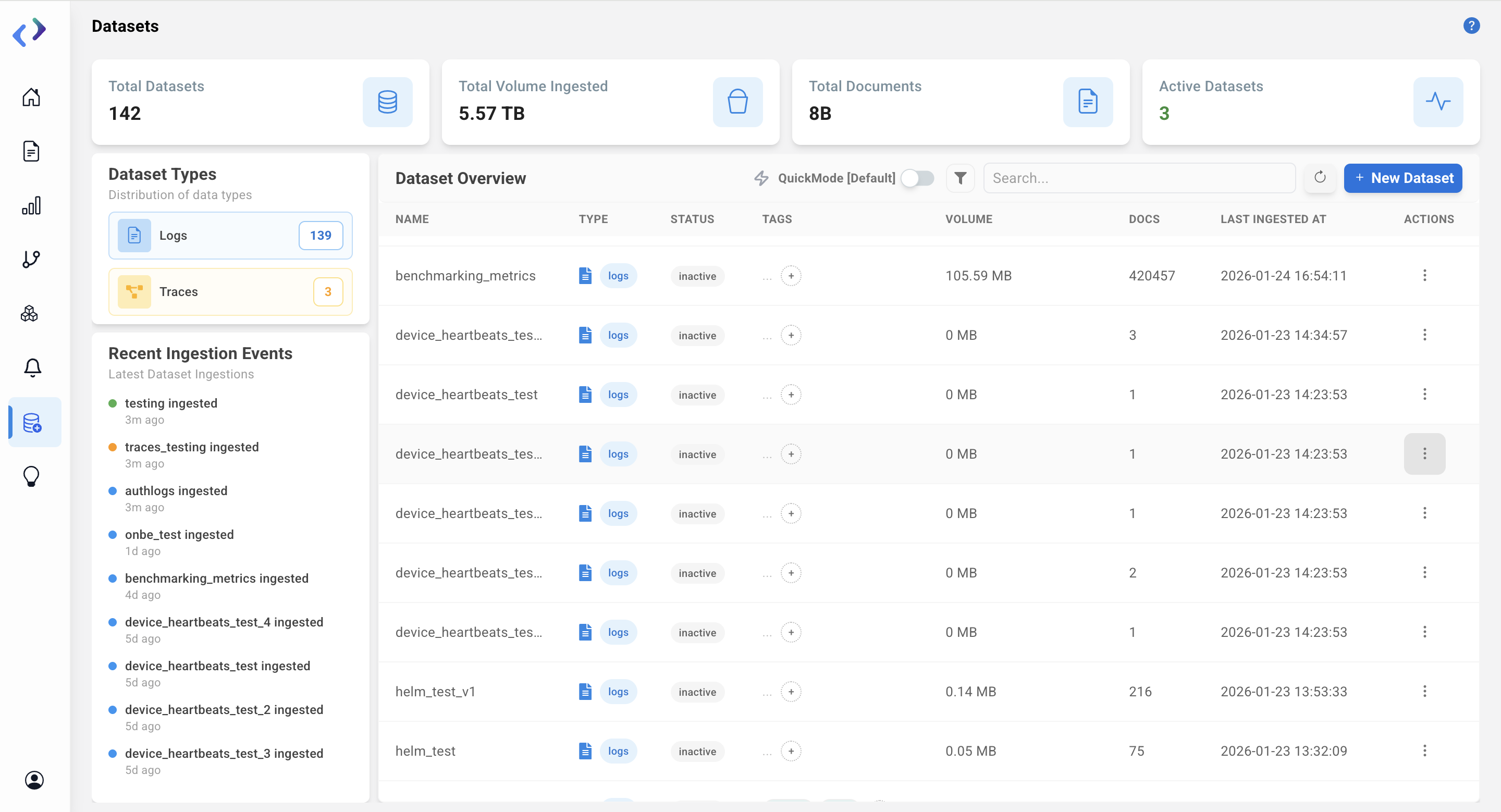
All dataset sources are listed here.
Admin Controlled Default Column Views for Logs Table
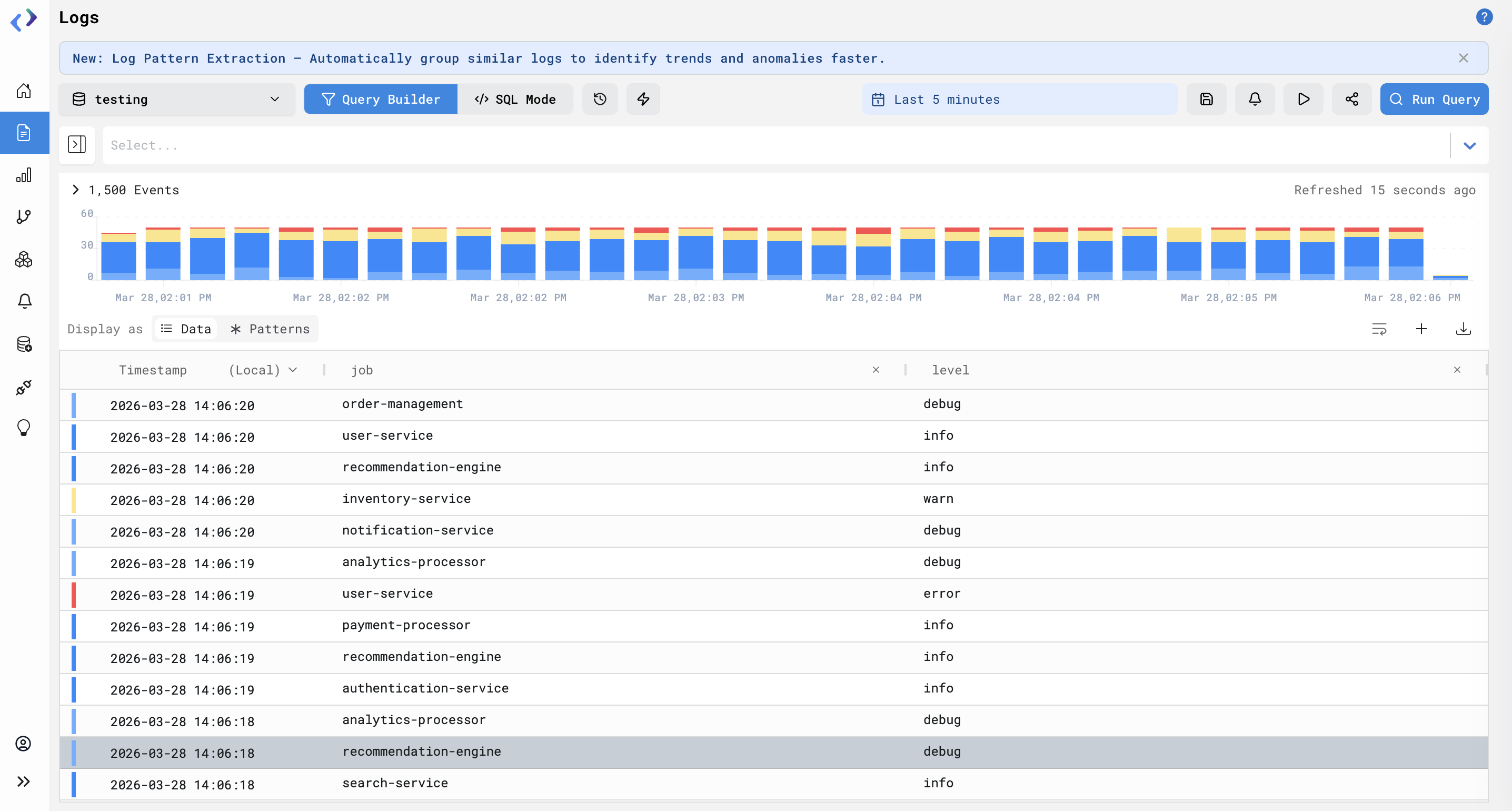
Define default columns for logs at the dataset level so all users see consistent fields in the Logs table.
Note - Selected fields will appear in the Logs Table in the same order as chosen and are be numbered accordingly
Steps To Use:
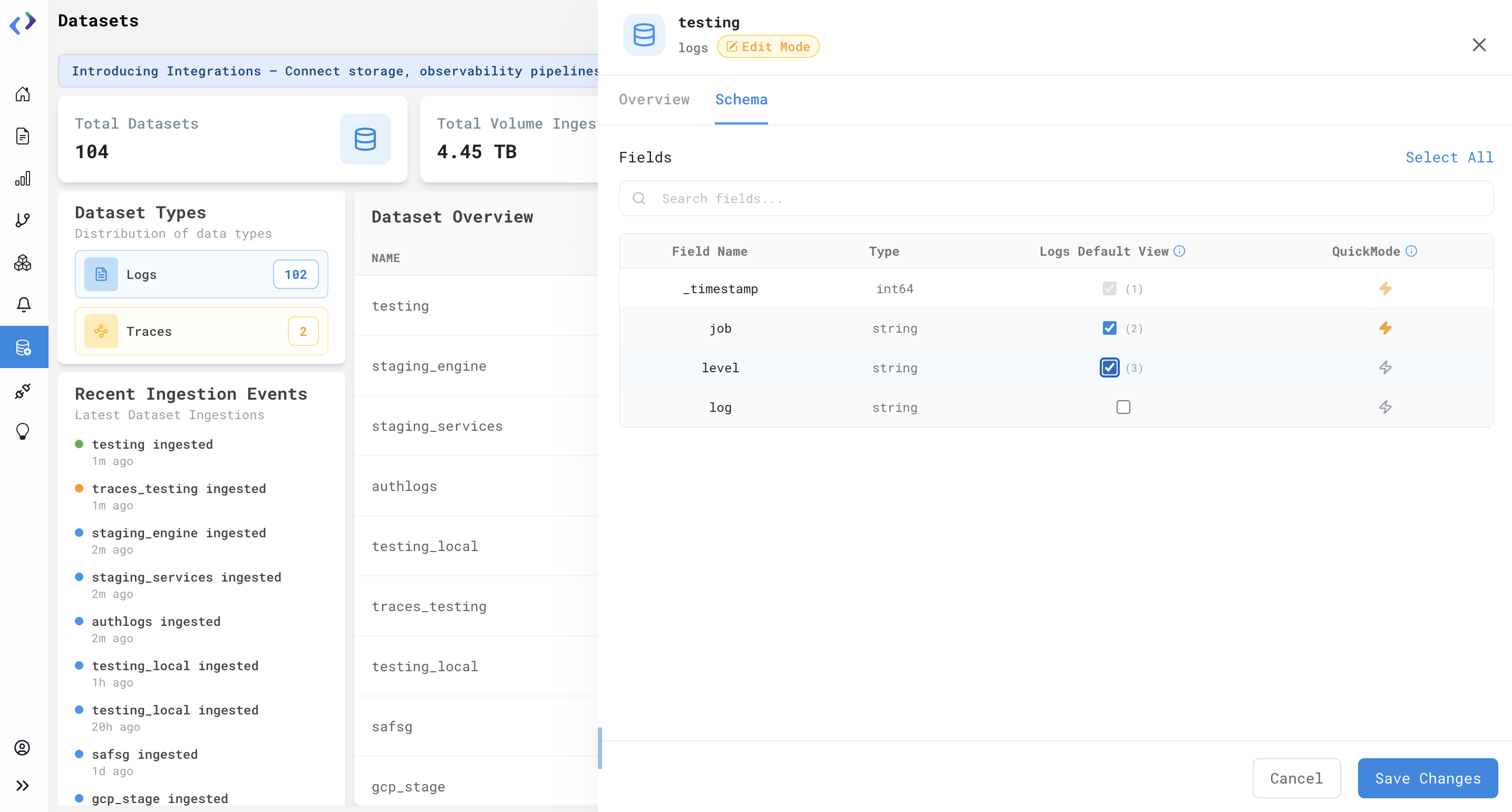
- Go to Datasets and open desired dataset in Edit Mode
- Open the Schema tab
- Use the Logs Default View column to check which fields should be visible by default
- Click Save Changes - The view applies org-wide for that dataset
Availability:
Admin users (Restricted Customers)