Metrics (Beta)
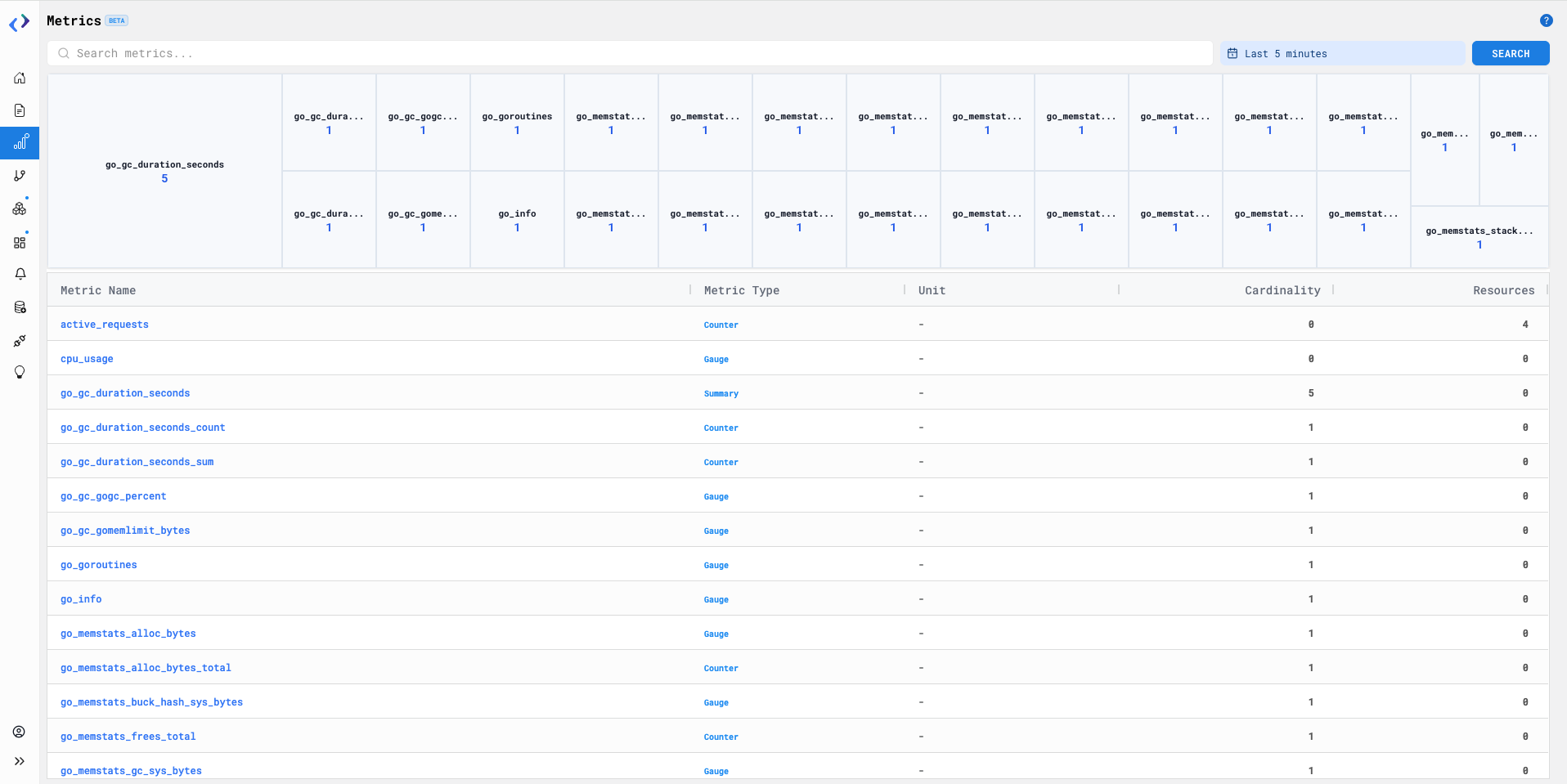
View and explore all available metrics along with their cardinality and basic details. This helps in understanding metric usage and identifying high-cardinality metrics.
How to Use It:
- Go to the Metrics page
- Use the search bar to search metrics by name
- Select the required time range from the time filter to update the metrics data
- Browse the metrics in the table to view Metric Name, Type, Unit, and Cardinality
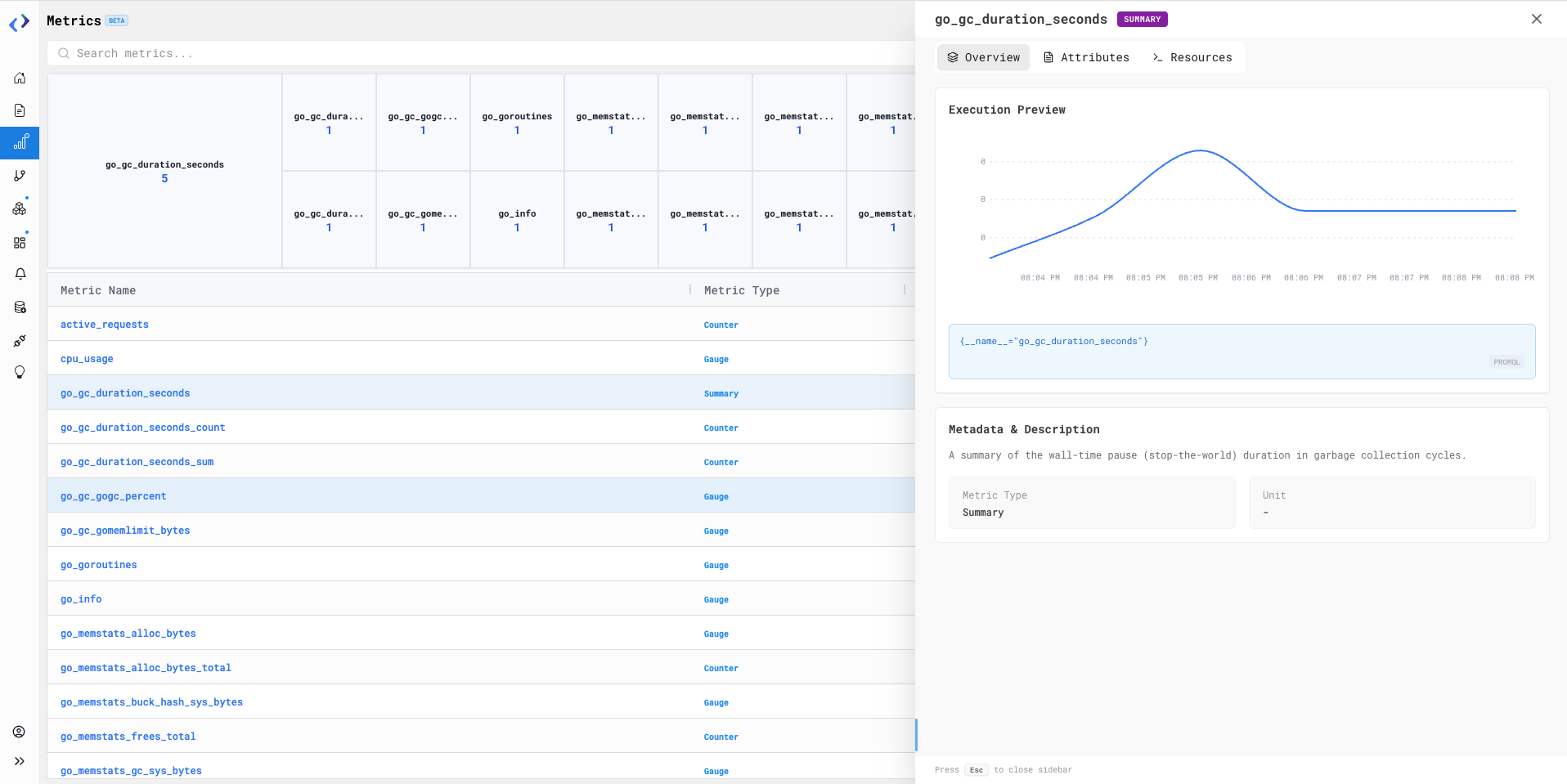
- Click on any metric row to open the details side panel
- Use the Overview tab to view the cardinality graph and basic metric details
- Switch to Attributes or Resources tabs to explore additional metric information
- Click Refresh to reload the latest metrics data
Availability:
All users
Note
- This is a Beta (V0) version
- Currently supports OTel-based metrics only